

Clean Box: Home & Storage is an app designed to help users manage their device’s internal storage and overall system organization. It provides tools to free up space by scanning for and removing temporary files, system cache, and residual data. Beyond cleaning, the app can identify and help remove duplicate files and photos, and offers a feature to compress images to save space while aiming to preserve recognizable visual quality. It also includes a Home Launcher function for organizing applications and customizing the home screen.
Junk File Cleaning
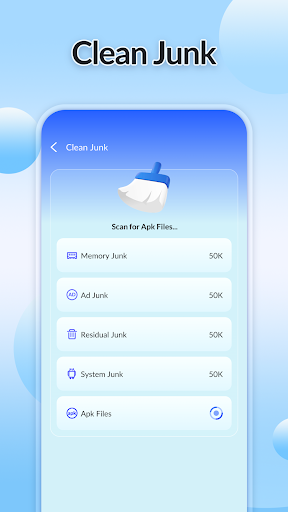
The app features a capability to scan for various types of unnecessary files that accumulate on a device. This includes temporary files, system cache, and residual data left behind by uninstalled applications or general usage. Once identified, these items can be removed to reclaim storage space.
Application Management
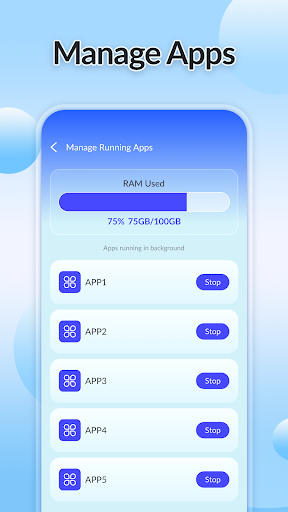
A dedicated section within the app provides a centralized list of all installed applications. From this list, users can view details about each app and are given the option to uninstall unwanted software directly through the interface.
Duplicate File Identification
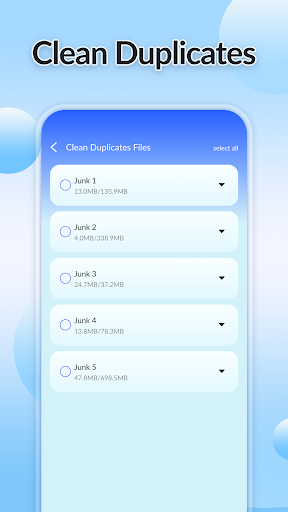
Clean Box: Home & Storage can identify and list identical files or photos stored on the device. This feature allows users to review and remove redundant copies, which helps in organizing storage and freeing up additional space.
Photo Compression
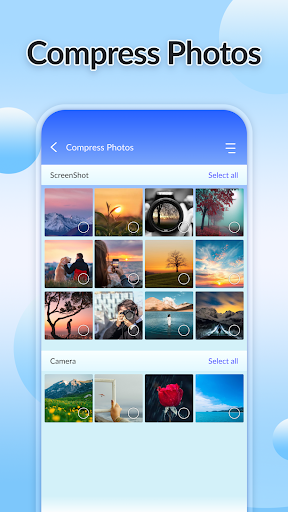
For users looking to save space occupied by images, the app includes a photo compression tool. This feature employs optimization techniques to reduce the file size of pictures. The goal is to achieve space savings while maintaining a recognizable visual quality of the compressed images.
Device Status Monitoring
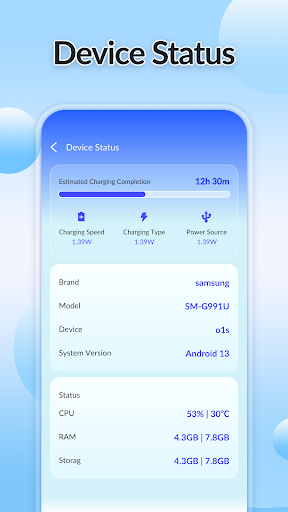
The app also offers a function to display real-time technical information about the device’s hardware and software. Users can view details such as the current battery level, RAM usage, and the operating system version installed on their device.
Home Screen Launcher
Included is a Home Launcher feature that allows users to organize their applications and customize their home screen layout. This provides an alternative way to manage app access and personalize the device’s main interface.







Write a review